Updating Application Instructions
Updated September 25, 2026 17:23
Overview Learn how to update Application Instructions for a specific Application Type.
Alert: Please use your Sandbox environment first. then apply the settings update to your Production site.
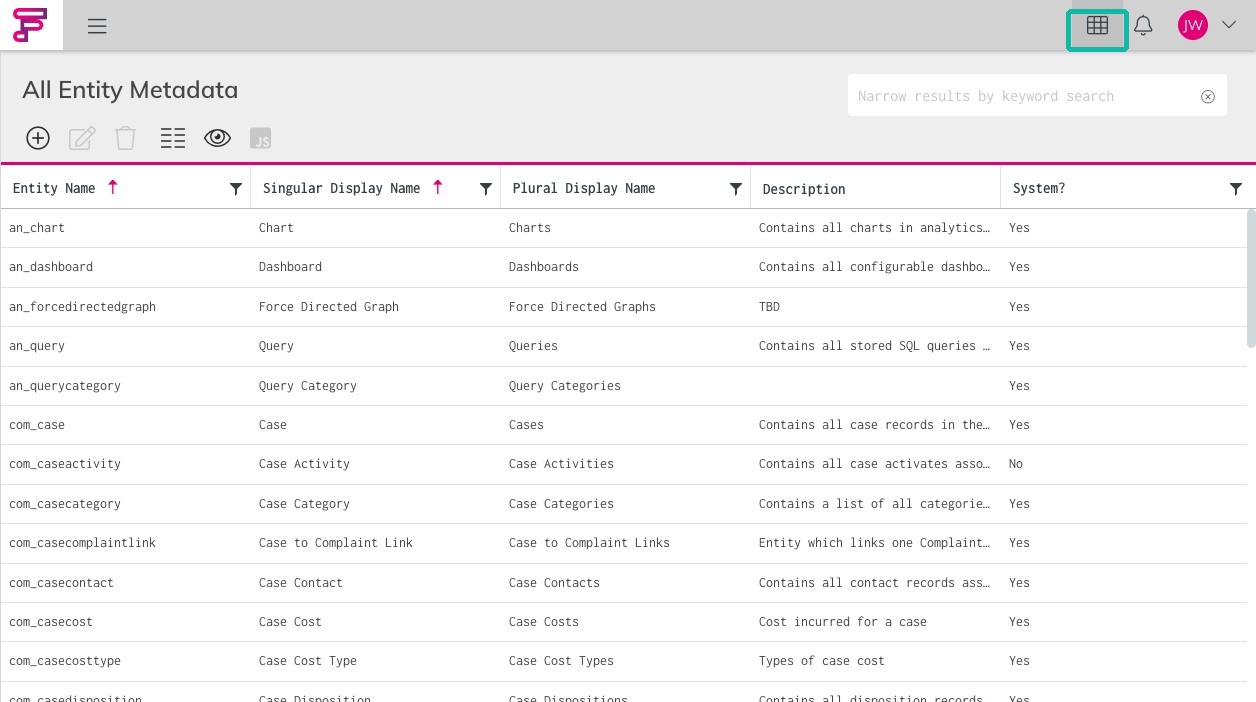
Workflow Module Access 1. From the Workbench, open the Module Selector .
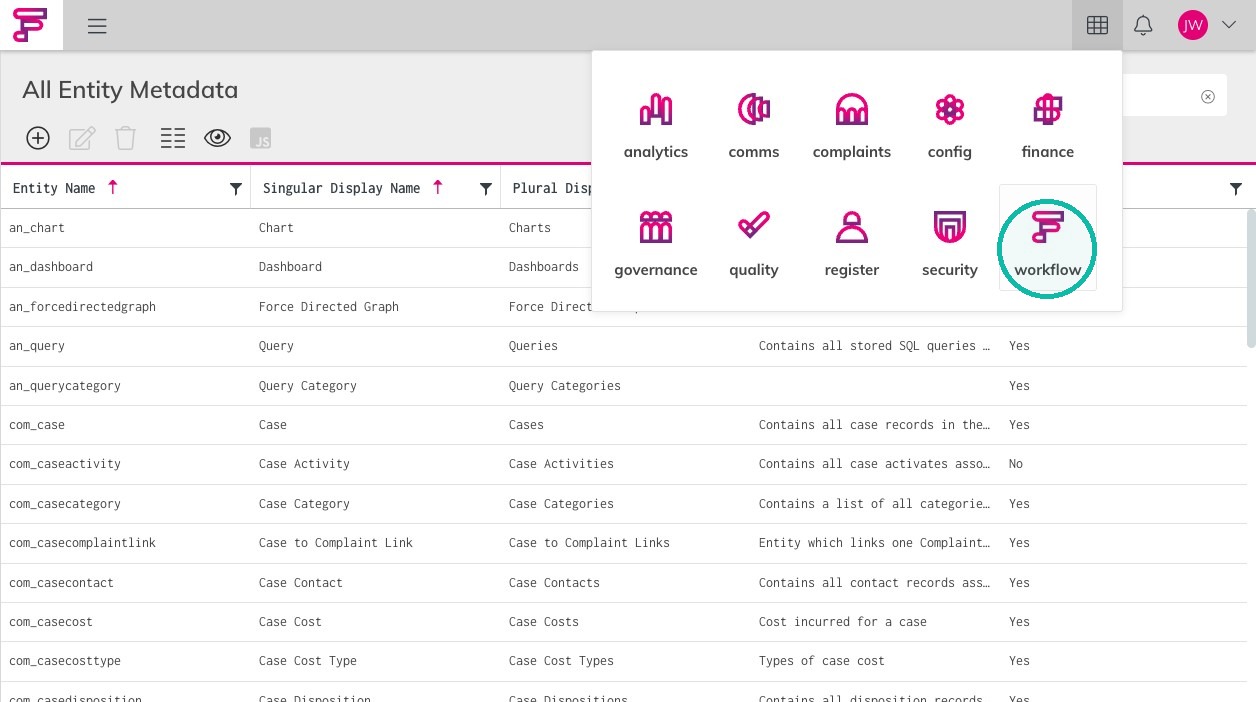
3. Access the Workflow Module.
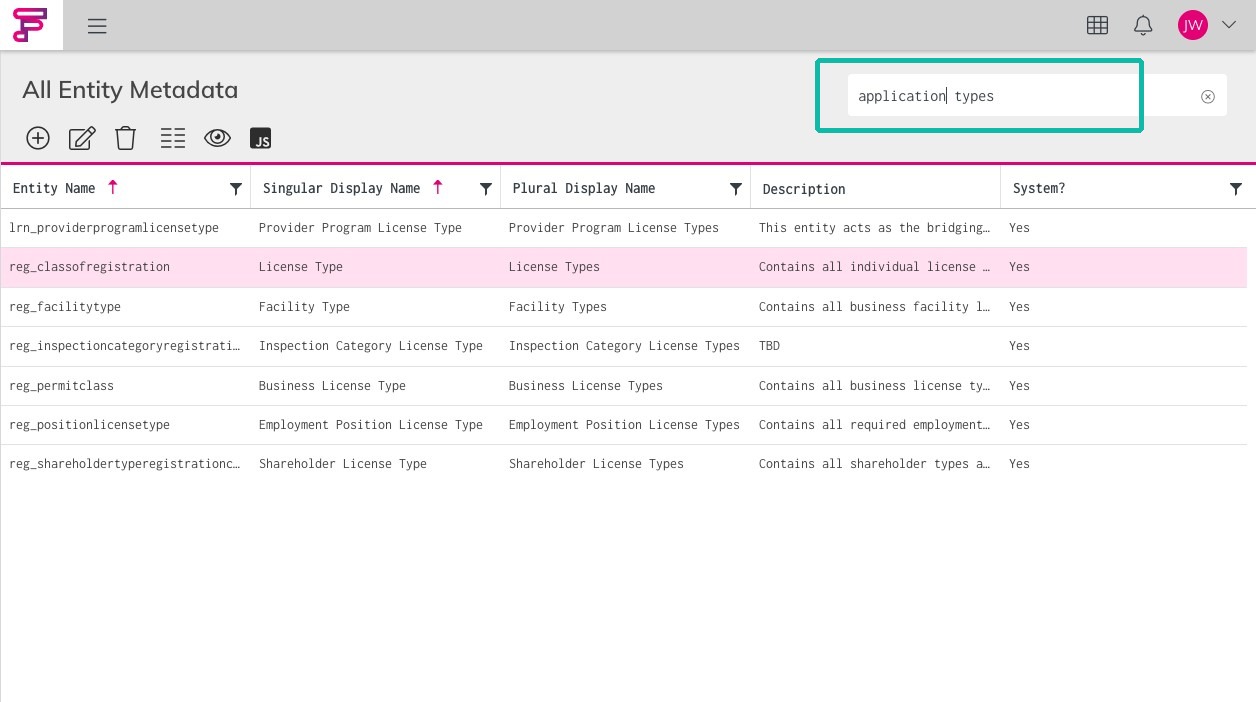
Application Types 4. Click the "Narrow results by keyword search" field.Application Types
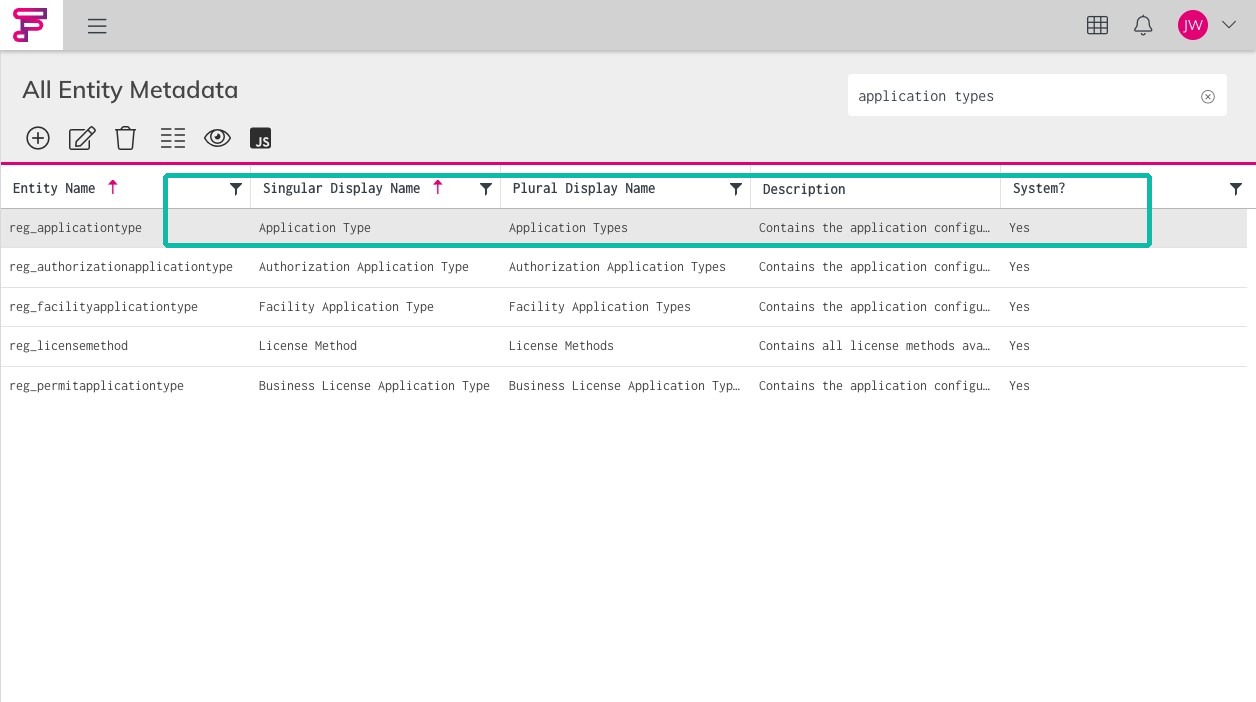
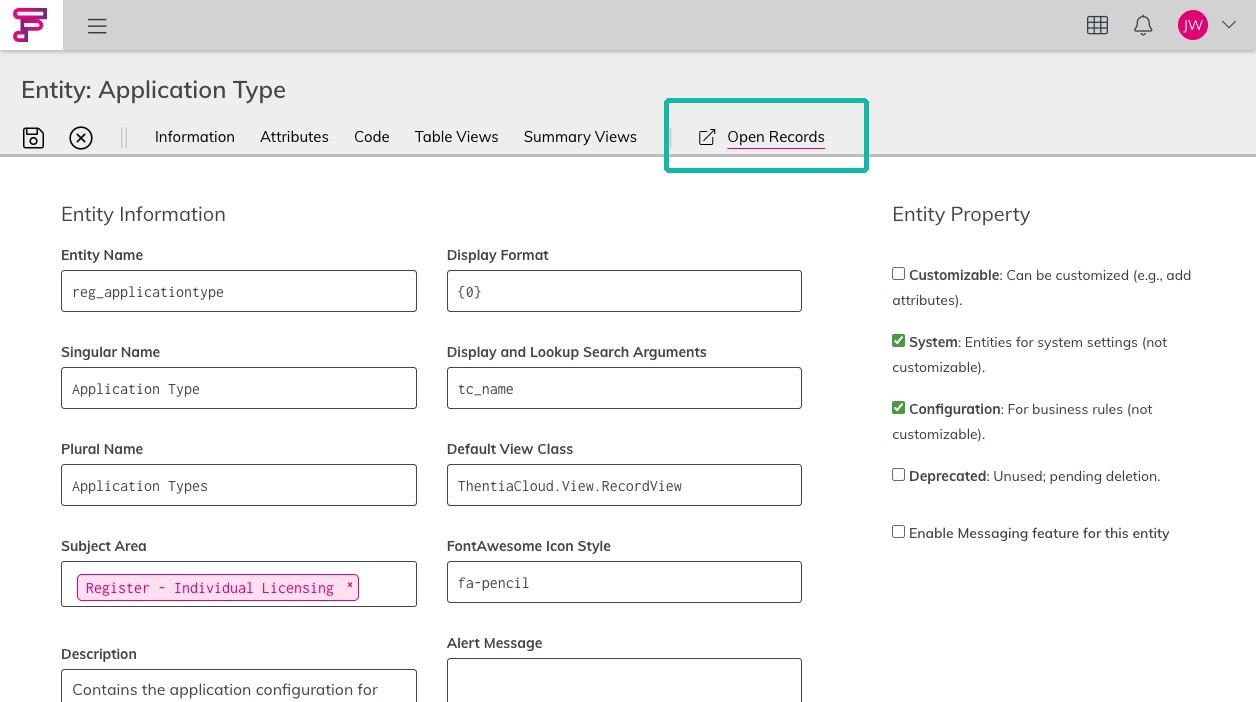
5. Double-click to open the Application Typ e entity.
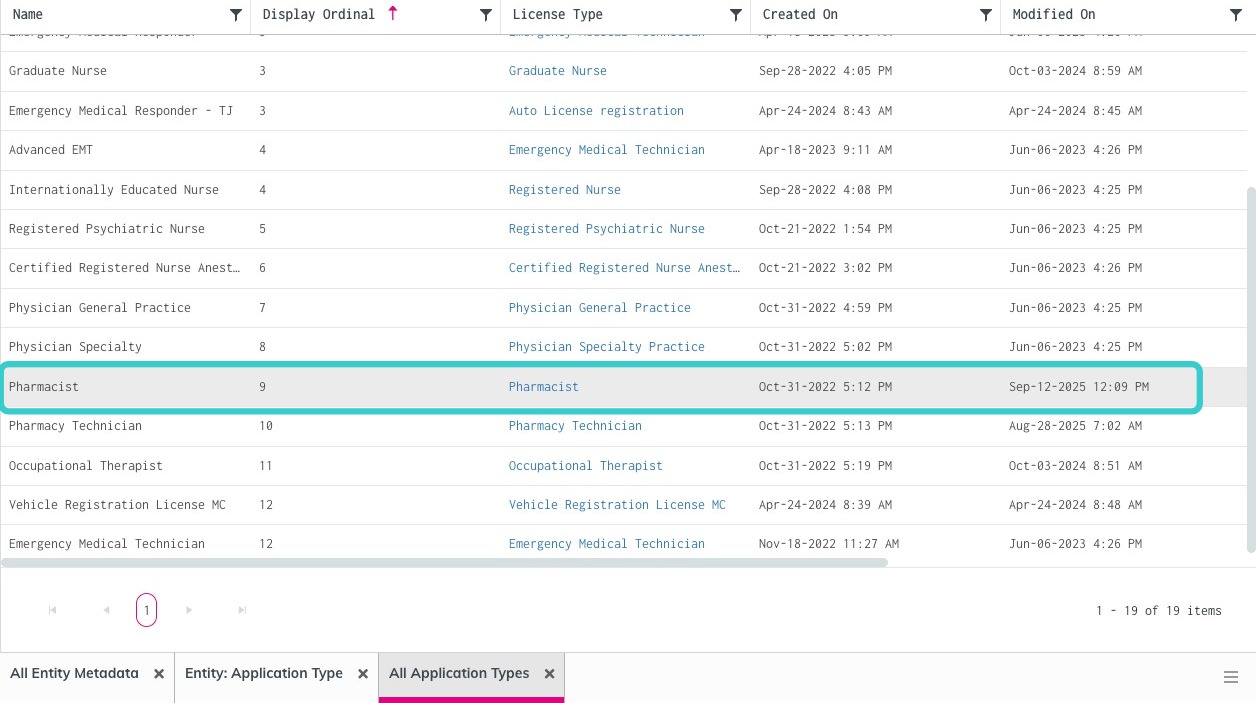
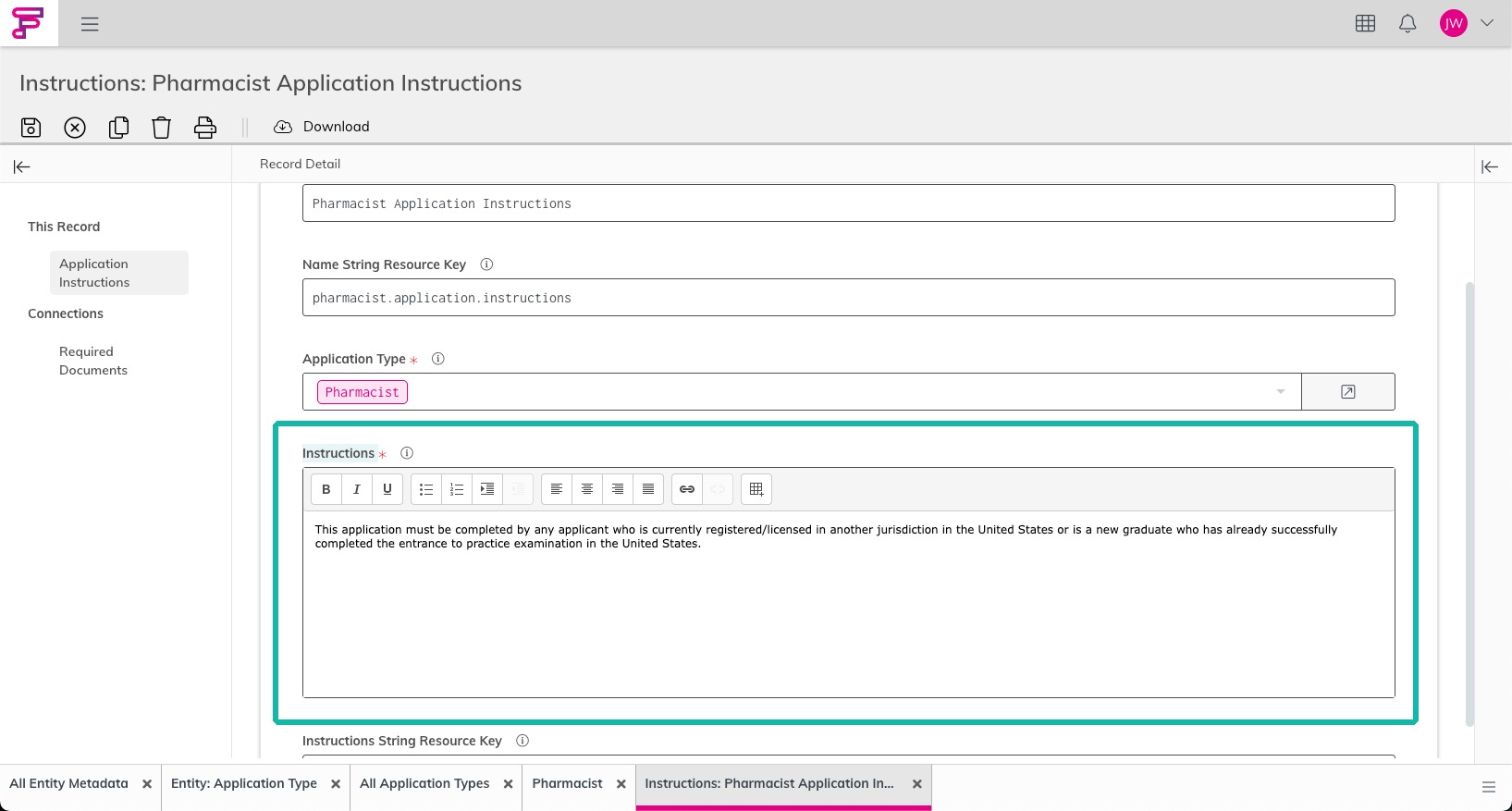
7. Double-click to open any of the Application Types listed.Screenshot Example : Pharmacist
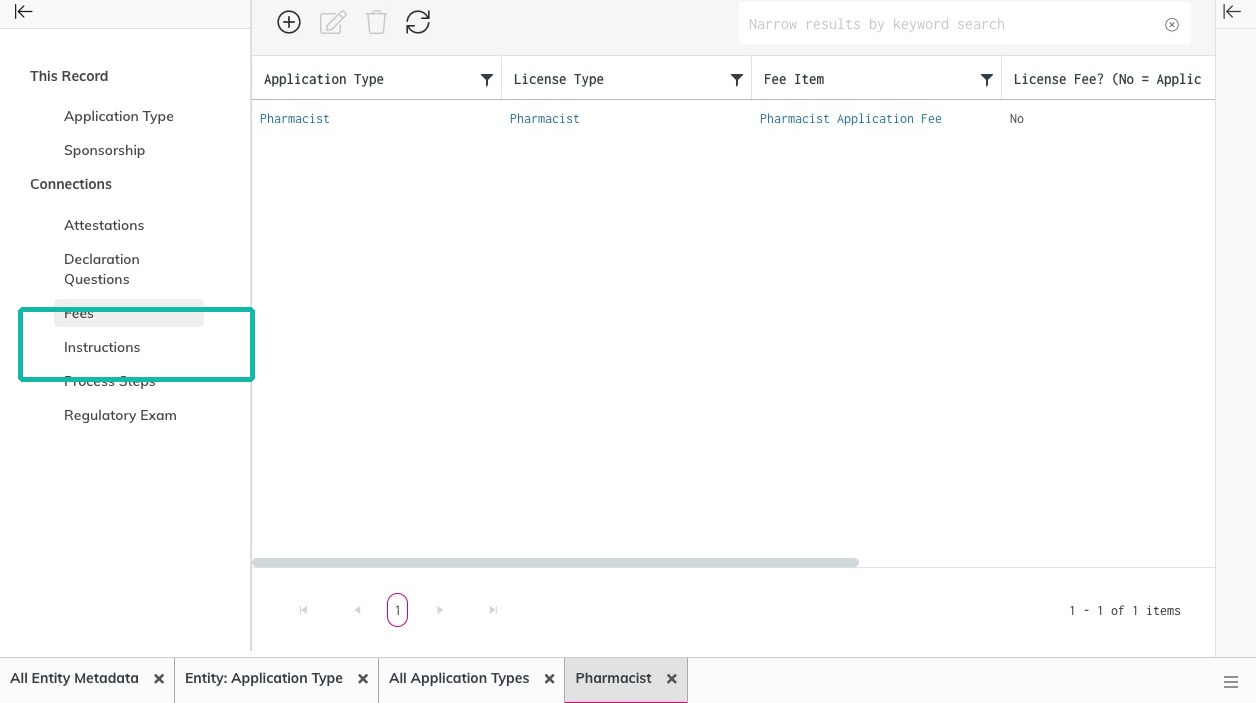
Application Instructions
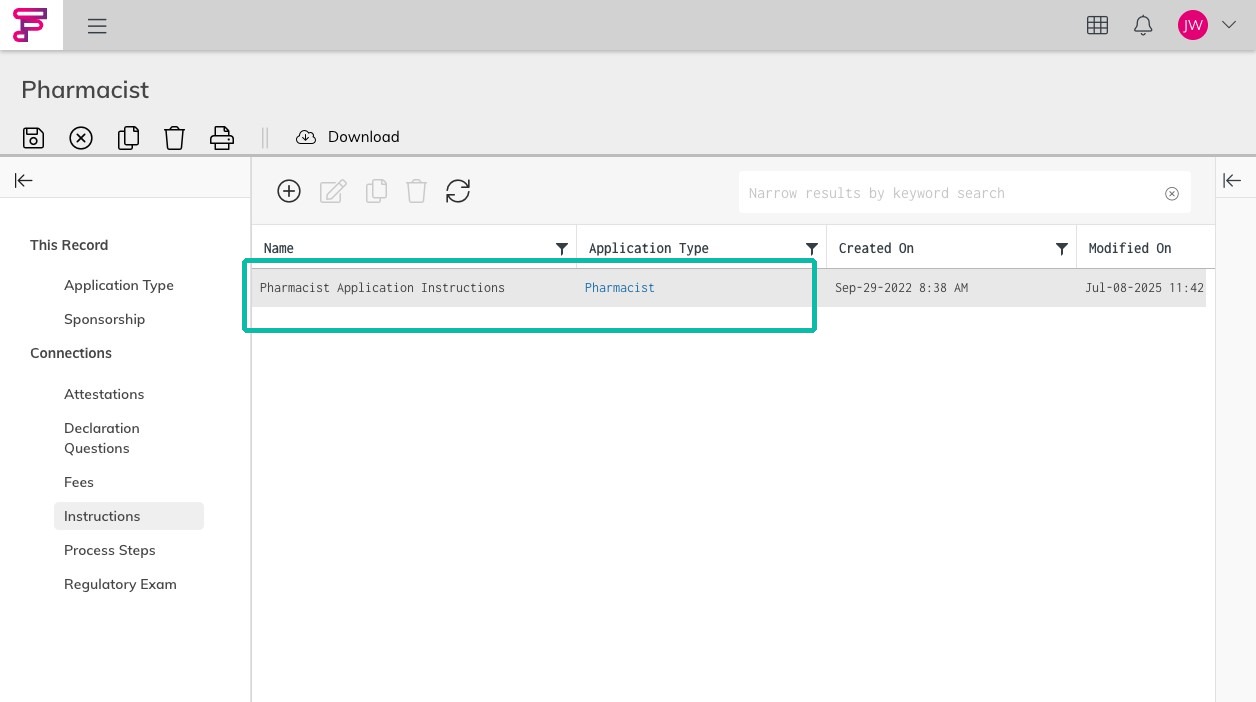
9. Double-click to open the associated Application Instructions for the application type.
10. Add or update the Application Instructions for the application type you've selected.Save.
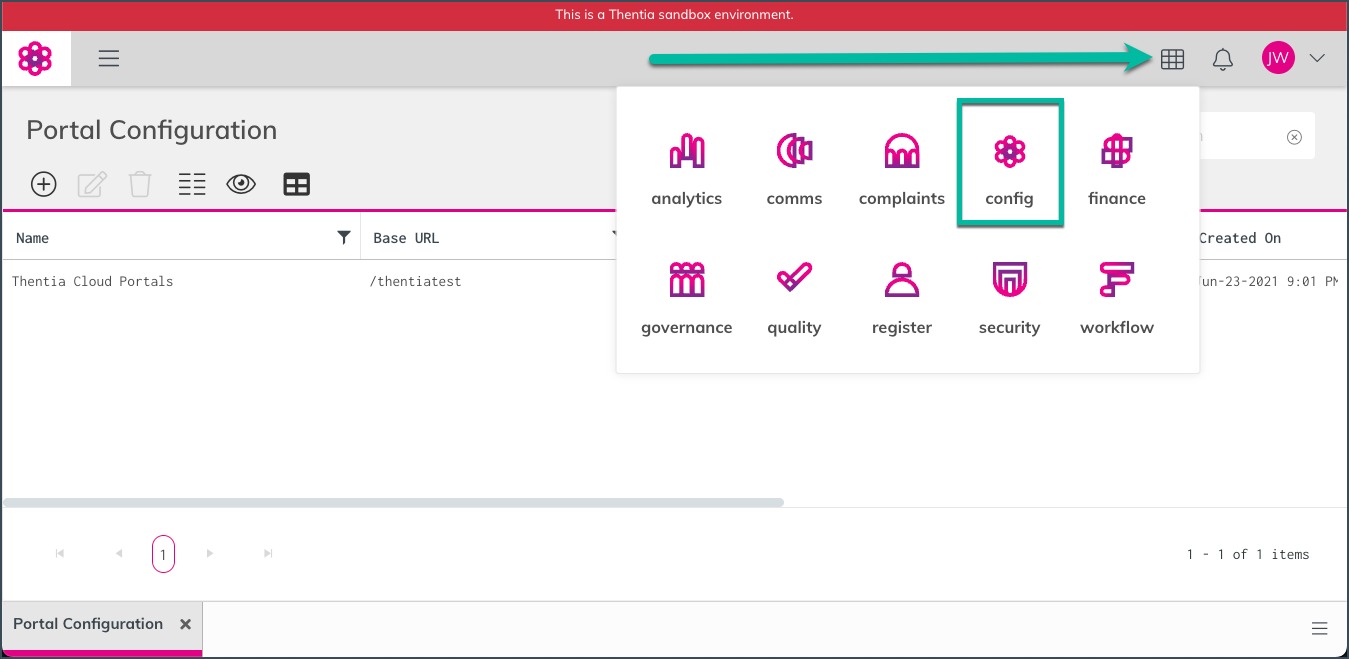
Apply Updates to the Portal 11. Open the Module Selector and access the Config Module.
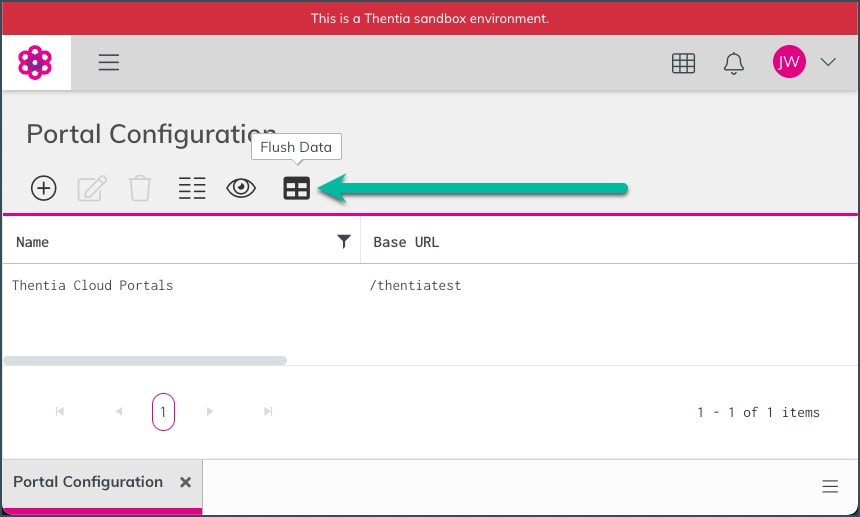
12. Click the Flush Data button to apply updates.
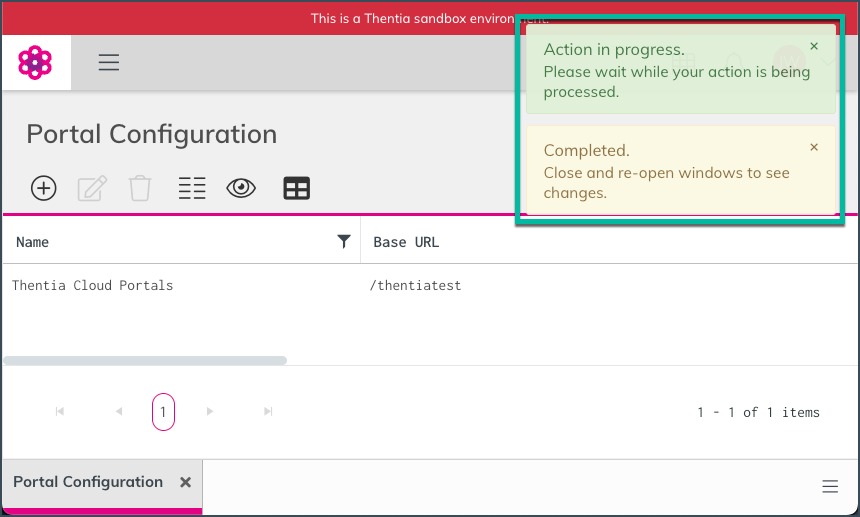
13. You'll see notification banners in the upper right.
Was this article helpful?
Yes
No
0 out of 0 found this helpful
Return to top
https://support.thentia.com/hc/en-us/categories/360005655191
/hc/theming_assets/01K22VN5WGFWMATNNHFC86S029
Thentia Cloud updates
Find out what’s new in Thentia Cloud, from our latest releases to important announcements.
custom
https://support.thentia.com/hc/en-us/categories/15364863848980
/hc/theming_assets/01K22VN65XG7JVBNX90EHHCAGY
Training and General Information
New to Thentia Cloud? Start here to learn the basics to ensure that you have the best experience.
custom
https://support.thentia.com/hc/en-us/categories/25490087848852
/hc/theming_assets/01JQYKGTRBRYKP2D2VN8VTGBWE
Workbench: General, Comms, Analytics & Finance
Guides for regulators to learn basic workbench interfaces.
custom
https://support.thentia.com/hc/en-us/categories/25490030195220
/hc/theming_assets/01K22VN6PS7D3MMT6V7SP6R9FC
Workbench: Processing and Licensing
Guides for regulators to learn how to process and manage licenses.
custom
https://support.thentia.com/hc/en-us/categories/25490032579092
/hc/theming_assets/01JQYGSEHGK0EKKNGYT5R6B6XR
System Configuration
Guides for System Administrators to learn how to suport and configure your Thentia Cloud environment such as User Management, Portals, & Workbench Configurations.
custom
https://support.thentia.com/hc/en-us/categories/25490059955092
/hc/theming_assets/01JQYM3T313N6XA62HQTQQKQTH
Portal User Experience
Guides for licensees to manage their licenses/registrations and interact with regulators.
password, workbench, portal
Comments
0 commentsArticle is closed for comments.